Where To Find Electronic Safety Data Sheets When You Need Them
In our day-to-day work, we may come into contact with products that contain potentially hazardous chemicals — for example, Sani-Cloth Plus germicidal disposable cloths used for disinfecting surfaces or alcohol prep pads used for medical procedures. It’s important to be aware of the chemicals we use and the safety measures we should take when using them.
What Are Safety Data Sheets?
Safety Data Sheets (SDS) provide information about each chemical that is used at Carilion. The sheets include information such as the properties of each chemical; the physical, health and environmental health hazards; protective measures; and safety precautions for handling, storing and transporting the chemical. You can use these sheets as a reference for the chemicals you use in your job, and to respond if there is an incident with a chemical such as a spill.
We use 3E as a digital repository for our Safety Data Sheets. Currently, you can access 3E from the Safety Data Sheets (SDS) link in the footer of Inside Carilion.
We are working to transition all safety data sheets to the 3E system and replace the paper SDS books. There are several items that must be completed in order to make this happen. Please retain and keep your paper SDS book updated on your unit until directed otherwise by Safety and Emergency Management. We will be assessing each area to determine if a paper copy is still necessary. This assessment will take several months to complete.
New: Easier Access to Safety Data Sheets
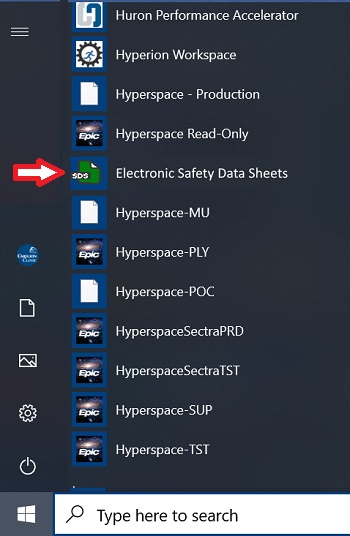
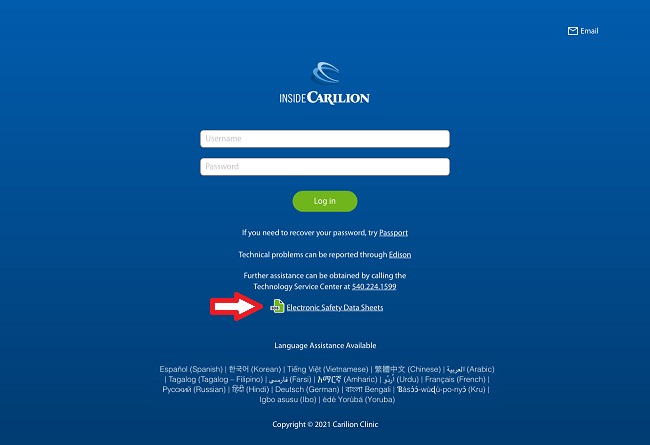
To make it easier for you to access the safety data sheets, we are adding shortcuts to the desktop of non-clinical computers, to the Start menu of clinical computers, WOW carts and thin clients, and to the log-in page for Inside Carilion. We will add these shortcuts the weekend of July 23-25.
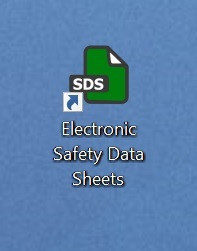
After the shortcuts have been added, simply look for the green SDS icon on the device you are using; then click to open the 3E Safety Data Sheet repository. You won’t need to log on or enter your AD credentials.
The images below show what the icon looks like on each type of device.
Non-clinical computers (desktop):
Clinical computers, WOW carts and thin clients (start menu):
Inside Carilion log-in page:
For More Information
To learn more about safety data sheets, download the OSHA guide to SDS Sheets linked under the Downloads header below or visit the 3E digital repository.
If you have questions, contact Philip Prescott at peprescott@carilionclinic.org.
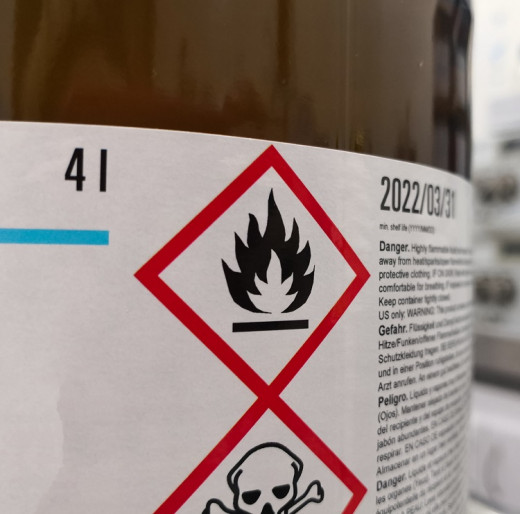
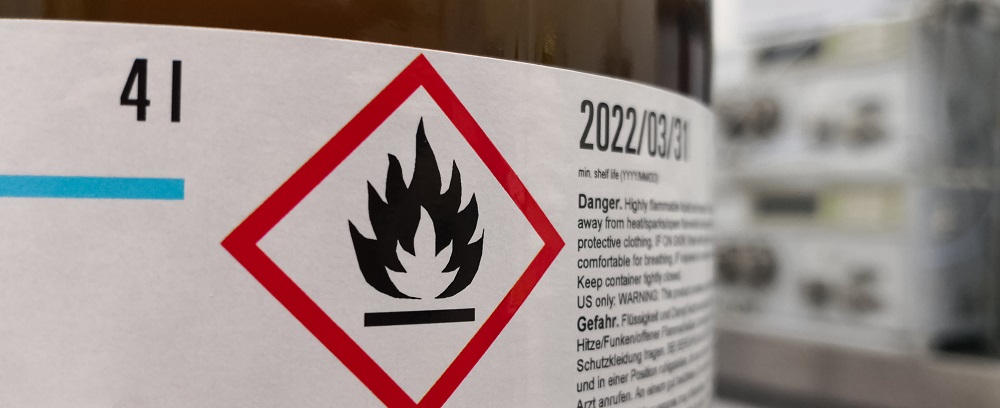
Safety Data Sheets (SDS) have information about chemicals and their hazards.
We are adding shortcuts to computers and Inside Carilion to make the electronic versions of safety data sheets easier to access. We will add these shortcuts the weekend of July 23-25.
After the shortcuts have been added, simply look for the green SDS icon on the desktop, start menu or Inside Carilion log-in page.
Please keep the paper SDS book on your unit until directed otherwise by Safety and Emergency Management.
