Have You Been Caught by One of These Recent Phishing Attempts?
Stop Before You Sign In: Protect Your ID From Phishing
Phishing messages are increasingly designed to look like routine workplace communications. Recent examples have imitated Microsoft task notifications, OneDrive document-sharing alerts, salary updates, and employee benefits announcements. They may use familiar logos and professional formatting, but their purpose is to direct you to a fraudulent website and steal your credentials.
The Most Important Rule
Your Carilion credentials should never be used to authenticate something received through your personal email, text message, or personal social media account.
This includes your Carilion username, password, single sign-on credentials, multifactor authentication code, or approval of an unexpected authentication prompt.
If a legitimate Carilion business process requires authentication, access it through a known Carilion application, portal, trusted bookmark, or other established workflow rather than the link or QR code you received.
A Few Recent Examples
Recent phishing messages received by Carilion employees have included:
- An unexpected Microsoft task that was supposedly expiring within hours
- A link to view a OneDrive document related to salary information
- An employee benefits update with a button to view personalized information
- Requests to authorize access, enter a one-time code, or sign in to view information
These topics are deliberately chosen by scammers because they create urgency, curiosity, or concern.
Warning Signs of a Phishing Message
- An unexpected request for information
- Urgency or pressure to take action quickly
- A "from" email address that doesn't align with the purported sender
- A yellow or red "external sender" banner
- A suspicious destination that doesn't belong to the expected organization
- Generic or unfinished content, such as "Dear First Name"
- Missing or distorted logos
- An authentication request in the form of a password, one-time code, or other MFA prompt
- Sensitive or attention-grabbing subject matter such as salary and benefits, invoices, or account suspension
But a message may still be fraudulent even when it is polished, contains no spelling errors, and uses a familiar logo. That's why it's important to pause before you take any action related to the message.
What To Do
- Do not use the link, button, attachment, or QR code in the suspicious message.
- Do not enter your Carilion credentials.
- Never approve an MFA prompt you did not personally initiate, even if the request appears to be associated with Microsoft, Carilion, or another familiar service.
- If the message claims to be from Carilion or relates to Carilion business, verify it using a known Carilion contact or trusted internal resource. Do not use phone numbers, email addresses, or links provided in the suspicious message.
- Suspicious emails received on your Carilion Clinic account should be reported by clicking on the "Report Phish" on your toolbar or "Report Suspicious" in the yellow banner of the email. The yellow banner indicates that the message originated outside Carilion. It does not necessarily mean the message is malicious, but it is a reminder to use additional caution.
- Contact the TSC or Information Security via Employee Center if you:
- Entered your Carilion username or password
- Provided an authentication or verification code
- Approved an unexpected MFA notification
- Downloaded or opened a suspicious file
We all have busy days; phishing succeeds when we act before we verify. If something feels unusual, do not sign in, approve the request, or provide information. Use a trusted Carilion path and report the message. Take a few extra seconds to pause, check the details, and use a trusted Carilion path instead of the link you received. When something feels off, don’t take the chance—report it and ask for help.
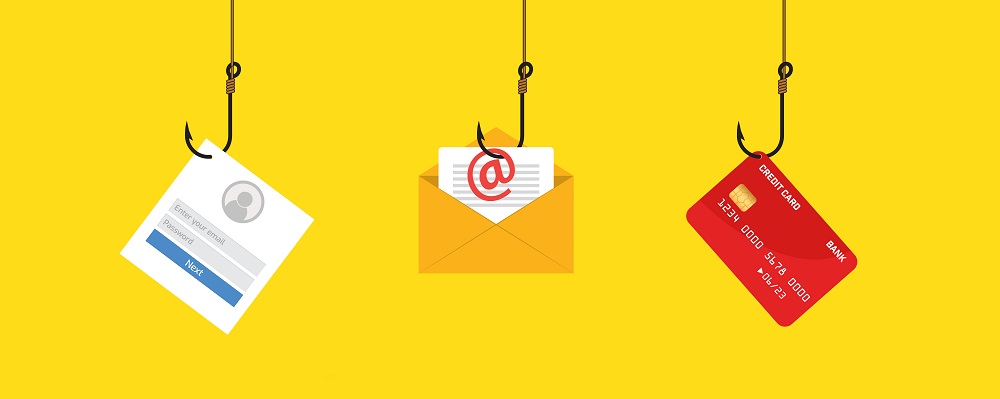
Many phishing emails are designed to look like real business emails from companies you trust.
Know the warning signs of a phishing email.
If you receive a suspicious email, don't click on any links or enter any information. Report it using the Report Phish button in your email.
