Know When To Say No to an Imprivata Request
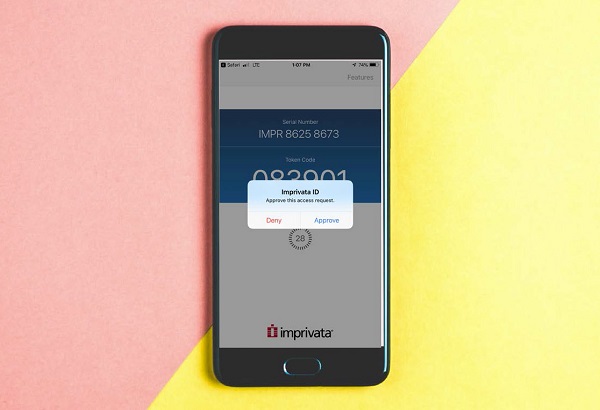
We use the Imprivata ID app to verify your identity when you log in to Carilion applications—such as email, Epic Hyperspace and My Total Access—outside of work. This is called multi-factor authentication (MFA).
When you attempt to connect to Carilion remotely, you receive an Imprivata approve/deny request. You are probably used to approving these requests, but there are some situations when you should deny an Imprivata request.
Last year hackers were able to break into Uber, Microsoft and Cisco after employees approved requests when they should have denied them. Hackers sent repeated approve/deny requests to the employees, who eventually clicked Approve to make the requests stop. This type of attack is called MFA fatigue, and it allows hackers to get past MFA tools such as Imprivata and launch attacks on computer systems.
If you receive multiple Imprivata push notifications, phone calls or emails asking you to verify an account log-in attempt, do not approve the prompt. And never approve a request if you receive one unexpectedly—legitimate requests are only sent when you are trying to access a Carilion app with your AD username and password. Call the TSC to report the issue, and change your password immediately through our password portal.
If you have questions, email our Information Security team at office_of_information_security@carilionclinic.org.
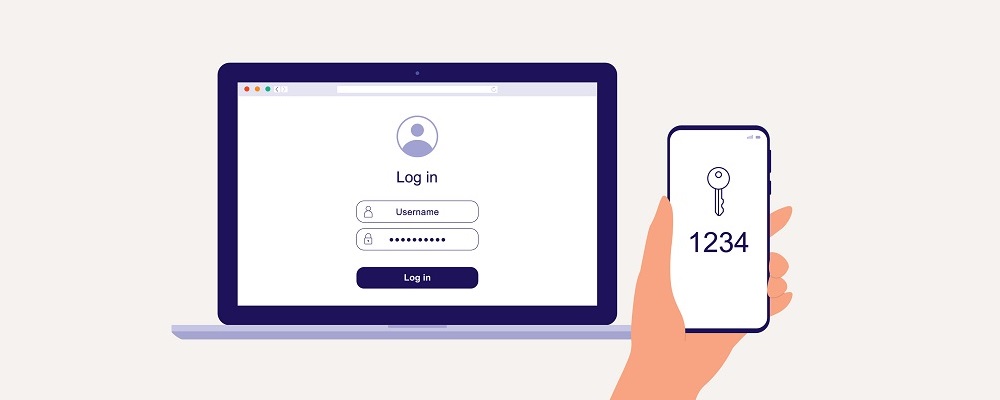
Imprivata is a multi-factor authentication tool that helps verify that it's really you logging in to Carilion apps.
If you receive unexpected or repeated Imprivata requests, don't just click Approve to make them go away.
