Inside Carilion Log-in Process Changing Wednesday, Sept. 2
Beginning Wednesday, Sept. 2, you'll see a new log-in screen for Inside Carilion and will log in through your Carilion Microsoft account. You'll use your Carilion email address and the same password you use for other Carilion apps such as email or Epic.
If you aren't on the Carilion network, you will need to verify your identity through Imprivata, like you already do when accessing other Carilion apps outside of work.
The new log-in screen is shown below:
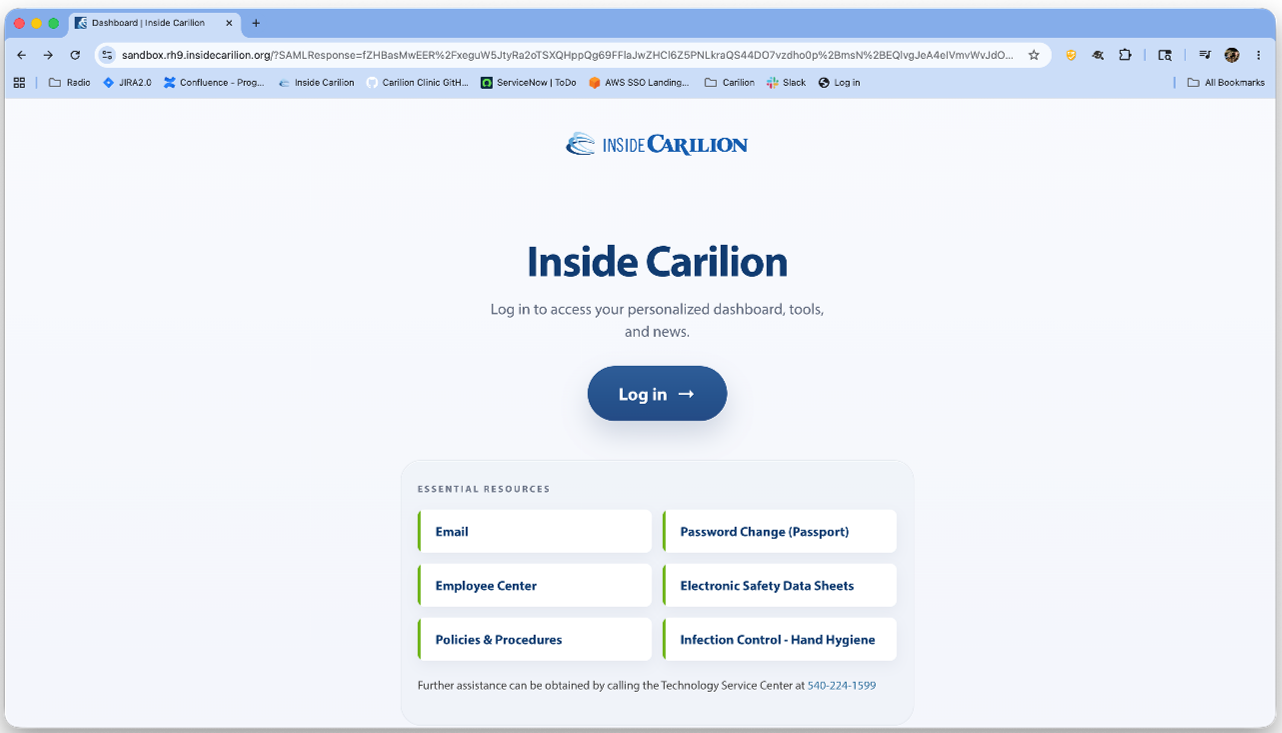
A job aid showing the steps to log in is available to download below.
Notes: If you need to access internal Carilion documents that are stored on the I: drive and not on the Carilion network, you will need to connect to the Carilion Apps portal at https://apps.carilionclinic.org. Open Microsoft Edge and log in to Inside Carilion using the new login process to access the I: drive.
If you need technical assistance, contact the Technology Service Center (TSC) by visiting Employee Center and filling out the Report an Issue form.
To improve security, we are updating the Inside Carilion log-in process.
Beginning Wednesday, Sept. 2, you will log in through your Carilion Microsoft account.
