Catering Requests Now Start in Workday
We have updated the internal catering request process to make ordering clearer, easier to track, and better aligned with the correct cost centers. Team members who submit catering requests will now use Workday to initiate internal service delivery requests for Carilion Catering.
What’s Changing
- All internal catering requests for Carilion Clinic’s catering group should now be submitted through Workday.
- Using Workday connects each request directly to the appropriate cost center.
- The updated process provides better visibility into where the order and billing are in the queue.
How to Submit a Catering Request
Before submitting a request, confirm that you have the appropriate security access in Workday. From your Workday homepage, search for Create Internal Service Delivery.
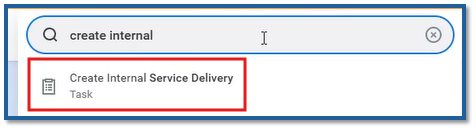
If you do not see this option, ask your leader to submit a request for ISD Requestor access through Employee Center using the Access – Workday request. Select SCM – Supply Chain, then ISD Requestor.
Once access is granted, follow the knowledge article in Employee Center for step-by-step instructions on completing the request.
Questions and Resources
- Visit the Dining & Nutrition Services hub on Inside Carilion for current menus and catering information.
- For additional help, email the Catering team at catering@carilionclinic.org.
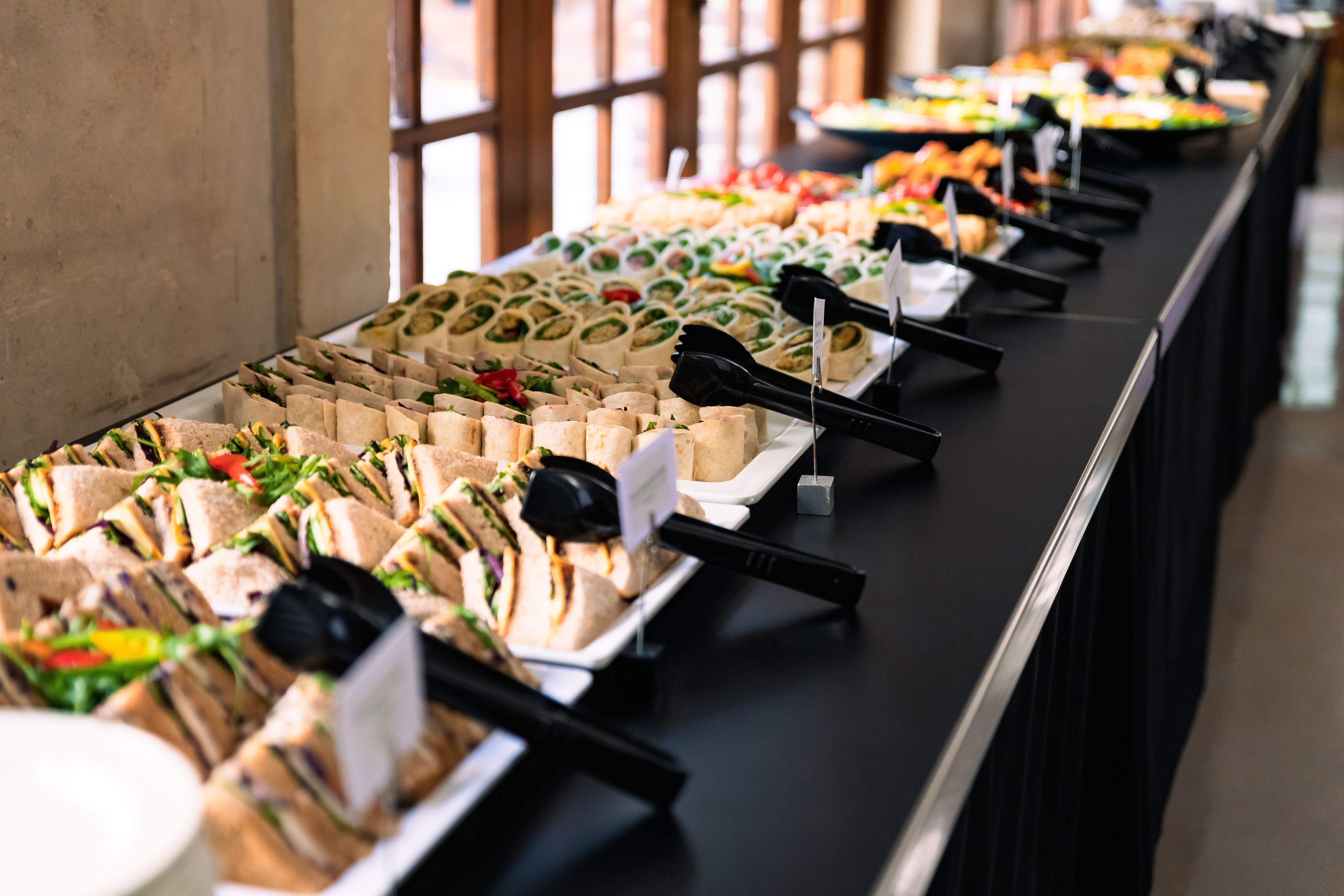
All internal catering requests must now be submitted through Workday.
The new process improves order tracking and cost center accuracy.
Internal Service Delivery (ISD) Requestor access is required to submit a request.
