Be Alert for Phishing Scams; Here’s What You Need to Know
Have you ever received a phishing email?
Chances are, you have. Over the past year, we’ve blocked 105 million messages sent to Carilion email addresses that had malicious links or attachments.
Phishing emails are not always easy to spot. It only takes one person falling for a phish to allow cybercriminals to access our network – which is why we must stay vigilant.
What You Need to Know About Phishing
Cybercriminals use email messages that are designed to look like they are coming from a person or business you are familiar with. The messages are designed to trick you into doing things such as:
- Sharing your username and password
- Clicking on a link that infects your computer with a virus
- Downloading an attachment that infects your computer with harmful software
What to Look For
- Impersonation: Be wary of emails or messages that appear to come from new executives requesting urgent actions like wire transfers or access to confidential data. Always carefully check the sender’s email address as scammers often use fake, misspelled, or unusual domains.
- Manipulation: Scammers may use publicly available information about our new leadership to create convincing messages.
- Urgency and pressure: Scammers often create a sense of urgency, pressuring you to act quickly without verification.
- Targeting key departments: Finance, Human Resources and TSG are particularly vulnerable.
- Exploiting the transition period: During leadership transitions, employees may be less vigilant, making scams more likely.
What to Do If You Receive a Suspicious Email
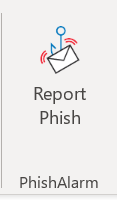
- Report any suspicious emails you receive at your Carilion email address using the Report Phish button in your email menu bar.
- Occasionally we send phishing simulations that are used to evaluate the potential impact of a real phishing attack. Report any emails that match the tactics described above.
- If you accidentally clicked on a link within a suspected phish, call the Technology Service Center at 540-224-1599 (71599) right away to report it.
Let’s remain vigilant in safeguarding our organization from potential threats. Together, we can ensure a secure environment for our patients and staff!
Email phishing is one of the most common ways that cybercriminals try to steal information or gain access to Carilion systems.
Don’t click on links within suspicious emails, and don’t share personal information.
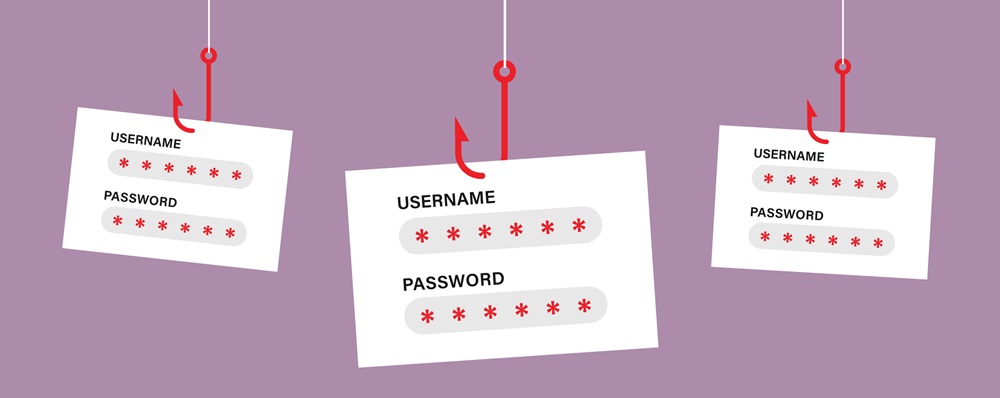
Never enter your username or password into an unknown system or in response to an unusual request.
If you receive an email that looks like a phish, use the Report Phish button in Outlook to let the Information Security Team know about suspicious emails.
